Tips for Creating a Cozy and Productive Home Office Environment
Creating a home office that feels both cozy and productive is key to enjoying your workday and maximizing efficiency. Whether you are working from home full-time or occasionally, your workspace should support your focus and well-being. Here are some thoughtful tips to help you design a home office environment that feels inviting and keeps you motivated.
Choose the Right Location
Selecting the best spot for your home office sets the foundation for productivity.
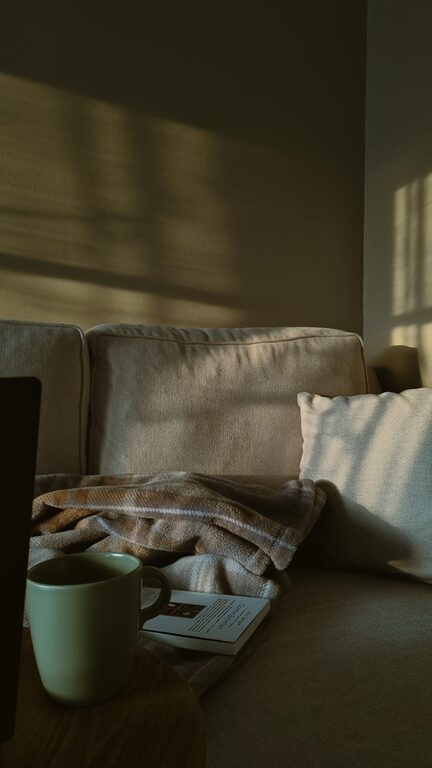
– Natural Light: If possible, set up near a window. Natural light boosts mood and reduces eye strain.
– Quiet Area: Pick a space away from household noise and distractions to maintain concentration.
– Space Availability: Make sure there’s enough room for your desk, chair, and any storage you need without feeling cramped.
Invest in Comfortable and Functional Furniture
Your furniture impacts both your comfort and your ability to work efficiently.
– Ergonomic Chair: A supportive chair helps prevent back pain and fatigue during long work hours.
– Appropriate Desk: Choose a desk that fits your tasks, whether it’s writing, computer work, or meetings. Adjustable desks are great for alternating between sitting and standing.
– Storage Solutions: Incorporate shelves, drawers, or filing cabinets to keep your supplies organized and your desk clutter-free.
Personalize Your Space
Making your workspace feel comfortable and inspiring can improve focus and mood.
– Color and Decor: Use colors that soothe or energize you. Soft blues and greens are calming, while yellows or oranges can add energy.
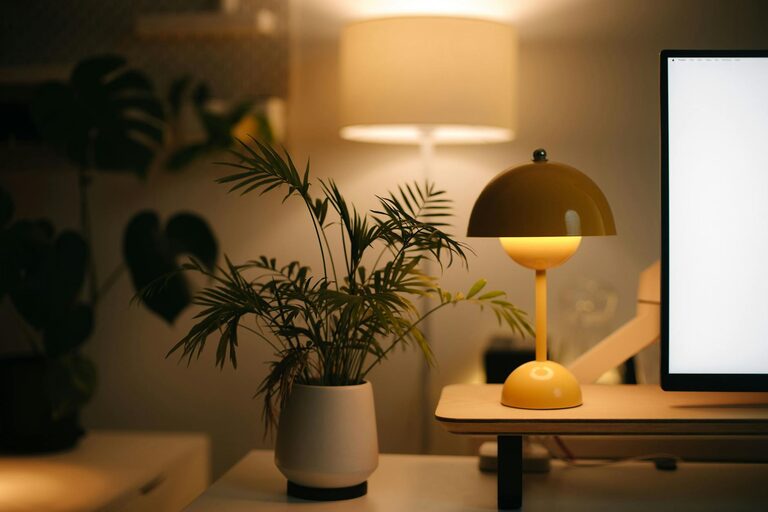
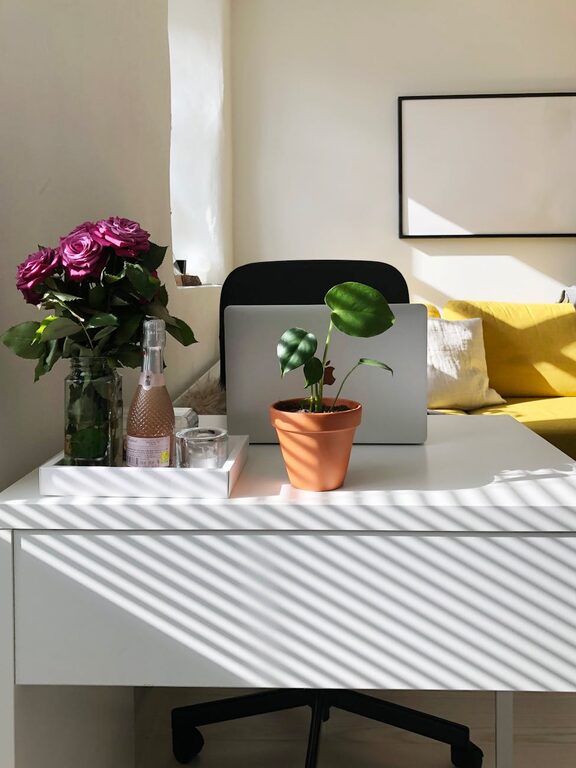
– Plants: Adding greenery not only brightens your space but also improves air quality.
– Art and Photos: Personal touches remind you of your personality and can inspire creativity.
Optimize Lighting
Proper lighting is crucial for reducing eye strain and maintaining alertness.
– Task Lighting: Use a desk lamp with adjustable brightness for focused tasks.
– Ambient Lighting: Complement natural light with soft overhead lights to create a balanced environment.
– Avoid Glare: Position your screen and light sources to minimize reflections.
Keep Technology Well-Organized
Technology is central to most home offices but can quickly become messy.
– Cable Management: Use clips or sleeves to keep cables tidy and prevent tangling.
– Quality Equipment: Invest in a reliable computer, headset, and peripherals to make work easier.
– Charging Station: Designate a spot for charging devices to keep them ready and prevent clutter.
Establish Clear Boundaries and Routines
Separating work from personal life helps maintain balance when working from home.
– Set Working Hours: Define start and finish times to create a consistent routine.
– Limit Distractions: Use noise-canceling headphones if needed and communicate your schedule to family members.
– Break Space: Have a separate area for breaks to give your mind rest without staying at your desk.
Organize for Efficiency
A tidy space supports clear thinking and reduces stress.
– Declutter Regularly: Take a few minutes at the end of each day to clear your desk.
– Use Organizers: Desk trays, pencil holders, and file organizers can keep essentials in reach.
– Digital Organization: Keep your computer files organized with folders and backups.
Incorporate Comfort and Wellness Features
Supporting your health while working can enhance long-term productivity.
– Temperature Control: Make sure your office stays at a comfortable temperature.
– Hydration: Keep a water bottle nearby to stay hydrated throughout the day.
– Movement: Incorporate stretches or short walks to combat prolonged sitting.
Final Thoughts
Designing a cozy and productive home office is a personal process that balances comfort, functionality, and aesthetics. By thoughtfully arranging your workspace, embracing personalization, and establishing clear routines, you can create an environment that supports both your professional goals and well-being. Your home office should be a place where you feel motivated and at ease, setting you up for success each day.